Free
Money transfer
Send money to your loved ones anywhere in Djibouti, even if they don’t have a D-Money account.
Learn more: Money transfer
Personal
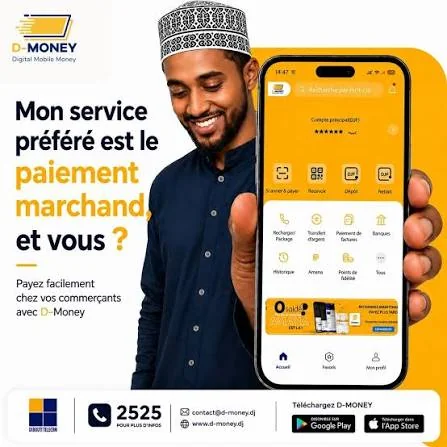
Pay for all your purchases with your phone, without cash and without fees.
With D-Money, pay for your shopping straight from your account, securely: grocery stores, local shops, stores, petrol stations and pharmacies.
You pay with the merchant code displayed at the till, with no extra fees. The merchant receives your payment without any cash changing hands.
Register with D-Money as a merchant. Once registered, you display your merchant code and your customers can pay you with their D-Money wallet, at any time.
Become a merchantD-Money makes it easy to collect donations for charities and foundations. Each fundraiser has its own merchant code: for example for an NGO supporting orphans or for building a mosque.
In the app
Send money to your loved ones anywhere in Djibouti, even if they don’t have a D-Money account.
Learn more: Money transferSend money abroad from your D-Money account, with IRMAAN.
Learn more: International transferDeposit money into your account at Djibouti Telecom branches, agents and distributors.
Learn more: Cash deposit