
Guide
Pay a bill
Pay a Djibouti Telecom, ONEAD, EDD or University of Djibouti bill or service, or your taxes.
Steps
1Step 1
Open “Bills”
On the app home screen, tap “Bills”.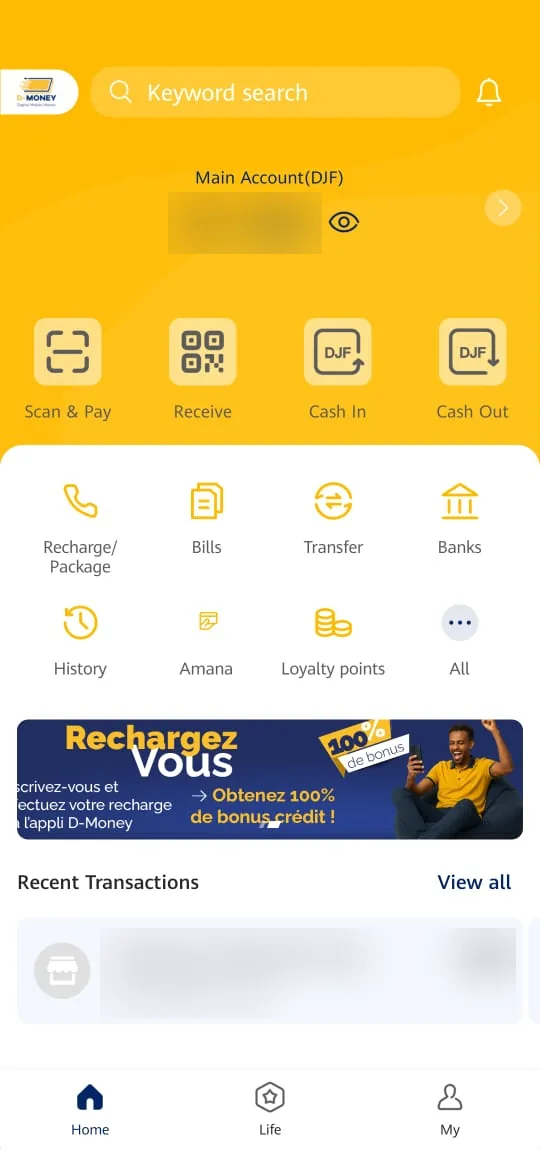
2Step 2
Choose the biller
Select the biller to pay: Djibouti Telecom, ONEAD, EDD, University of Djibouti or Tax Payment.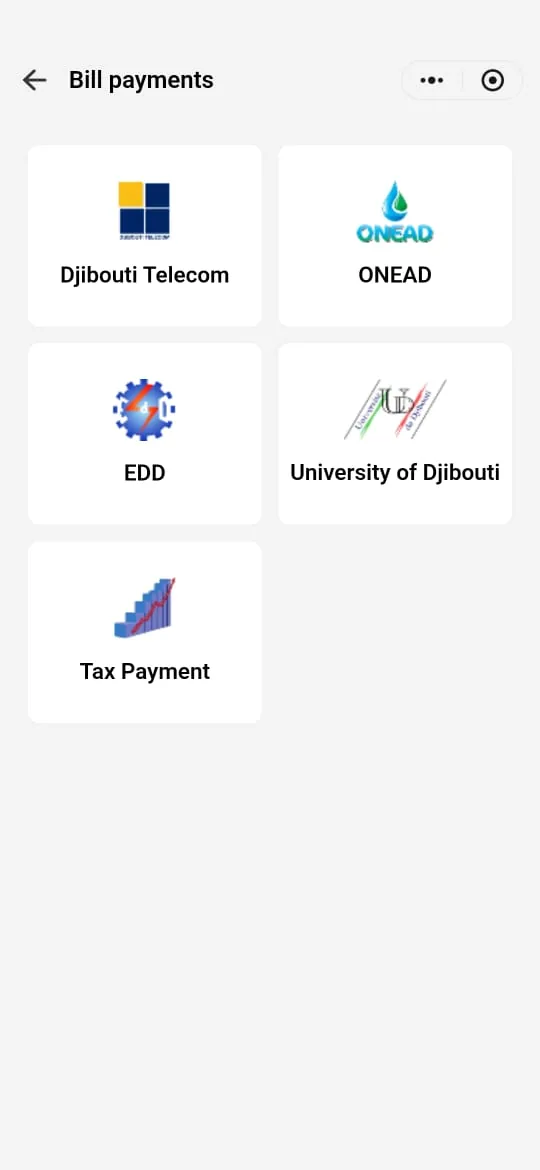
Choose your biller
The next steps depend on the biller and the transaction. Choose yours.
Djibouti Telecom
ONEAD
EDD
Coming soon
University of Djibouti
Coming soon
Taxes
Coming soon
Need help?
Our customer service can help you at every step.