Free
Money transfer
Send money to your loved ones anywhere in Djibouti, even if they don’t have a D-Money account.
Learn more: Money transfer
With D-Money, pay your bills, or a loved one’s, without travelling: Djibouti Telecom, ONEAD, EDD, University of Djibouti and taxes.
Pay your bills anytime, wherever you are, securely, quickly and simply.
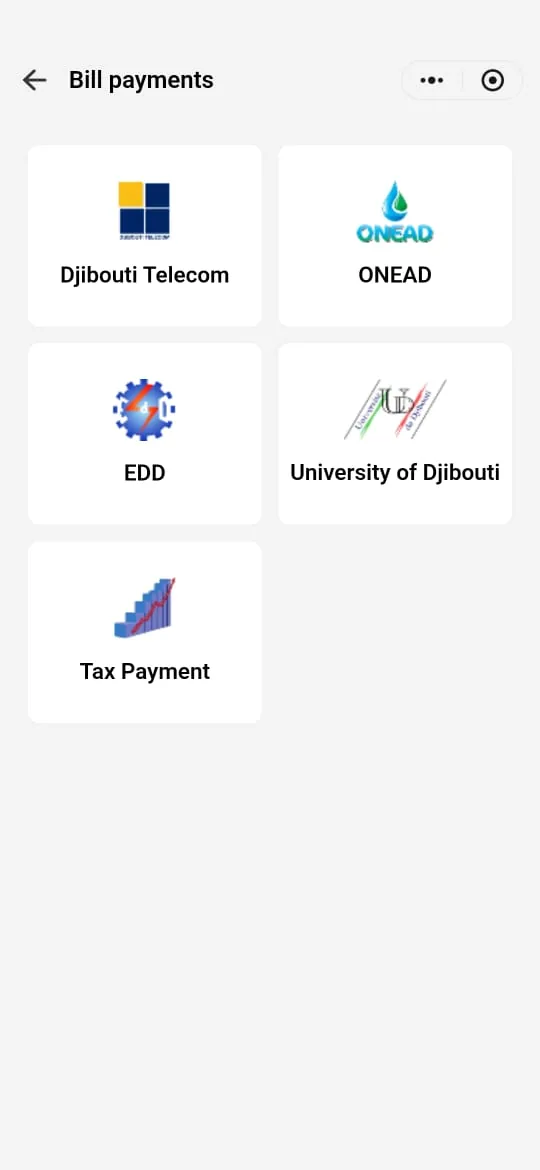
Accepted bills
In the app
Send money to your loved ones anywhere in Djibouti, even if they don’t have a D-Money account.
Learn more: Money transferSend money abroad from your D-Money account, with IRMAAN.
Learn more: International transferDeposit money into your account at Djibouti Telecom branches, agents and distributors.
Learn more: Cash deposit